
BISP Payment Check 2026: How to Verify Your Payment Status & Activate Your Wallet
BISP Payment Check 2026: How to Verify Your Payment Status & Activate Your Wallet: The Benazir Income Support Program (BISP 8171) payments for April to June are ongoing across Pakistan and you can check your BISP 14500 payments from home through the official 8171 online web portal: 8171.bisp.gov.pk. It should be remembered that the payments are being released to women in phases and you have to keep checking your payment status every two to three days and As soon as the payment cycle for the BISP (8171) begins, you can visit your nearest payment center to receive your payment with your original CNIC Card.
Recently, the federal government is going to increase the BISP (8171) payments by up to Rs 3,500, which will be the new amount of Rs 18,000 and these increases will be implemented from January 2027.
Here we are going to provide complete information regarding the BISP Digital Wallet System and how to Check BISP Payment Status to guide you. Some women are facing the problem of In-activate Wallet or some women have not yet received their SIM and want to know if they can also get the BISP New payment and here we are going to provide the complete Details.
Read More: بینظیر انکم سپورٹ پروگرام 8171 ویب پورٹل پیسے چیک کرنے اور رجسٹریشن کا مکمل طریقہ کار
BISP July Payment 2026 Latest Update
According to the latest update of 2026, the payments of BISP 8171 program are ongoing, however, some women have questions that their payments have not been released yet. So, to guide you in this regard, let me tell you that some women are facing delays in payments because they have not yet completed their re-survey. BISP re-registers women every two years to check their eligibility requirements.
Apart from this, some women are also facing delays in payments due to biometric verification. These women can visit their nearest NADRA office and get their fingerprints updated and receive their BISP payments immediately.
How to Check BISP Payment Status Through official 8171 Web Portal By CNIC?
The Government of Pakistan has made the process of checking the Benazir Income Support Program payment very easy. You can check your payment instantly from home using two official methods Online 8171 Web Portal and SMS Portal, absolutely free of charge.
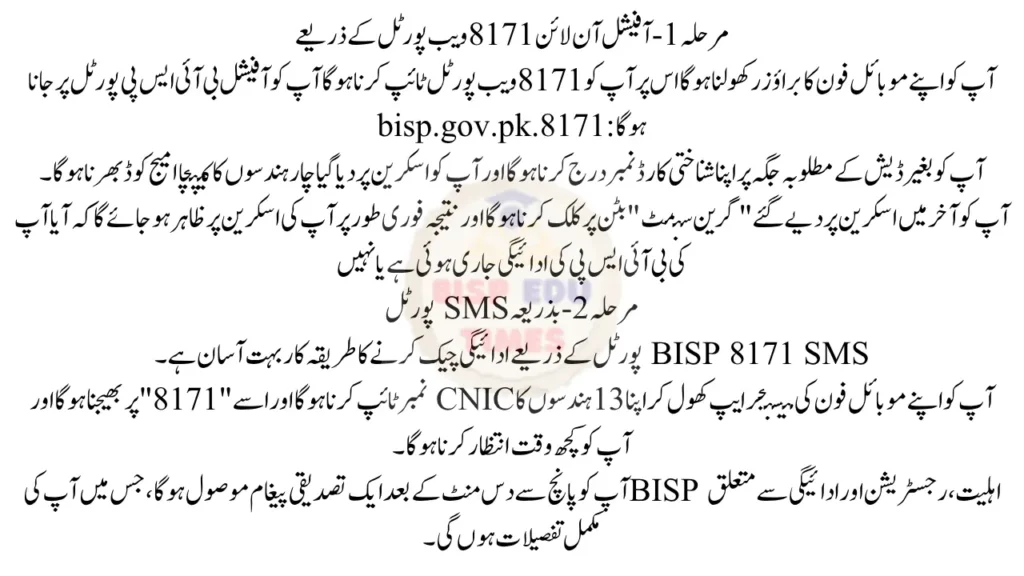
Step 1 – Through the official online 8171 Web Portal
- You have to open your mobile phone browser on it you have to type 8171 web portal you have to go to the official BISP portal: 8171.bisp.gov.pk
- You have to enter your ID card number in the required place of Without dashes and you have to fill the four-digit captcha image code given on the screen
- You have to finally click on the “green submit” button given on the screen and the result will immediately appear on your screen whether your BISP payment has been released or not
Step 2 – Via SMS Portal
The procedure for checking payment through BISP 8171 SMS Portal is very easy.
- You have to open the messenger app of your mobile phone, type your 13 Digits CNIC number and send it to “8171” and you have to wait for some time.
- You will receive a confirmation message after five to ten minutes, which will contain complete details regarding your BISP eligibility, registration, and payment.
Also Read More: BISP 8171 Web Portal Payment Verification by CNIC – July 2026 Update
How to Activate Your BISP Digital Wallet Through BISP Office?
This time all BISP payments will be provided through Digital Wallet SIM. Candidates who have not received the SIM yet can visit their nearest BISP office and get Digital Wallet SIM.
Remember that after getting BISP Digital Wallet SIM you have to wait for 15 days and use this SIM and after exactly 15 days you can go to your nearest BISP payment center and get your biometric verification done and easily activate your digital wallet account and get your BISP 14500 payment.
What Does “In-Active Wallet” Mean?
BISP “In-active Wallet” means that your wallet is not activated yet, you have to get it activated from BISP office. If you are also facing BISP “in-active wallet” issue then you don’t need to worry as soon as you get the SIM from your BISP and when you check your status on the 8171 web portal, you get a message that your digital wallet account is not activated. You can activate your digital wallet account by visiting any payment center and completing your biometric verification process.
How to Solve the In-Active Wallet Issue 2026- Step by Step Complete Guide
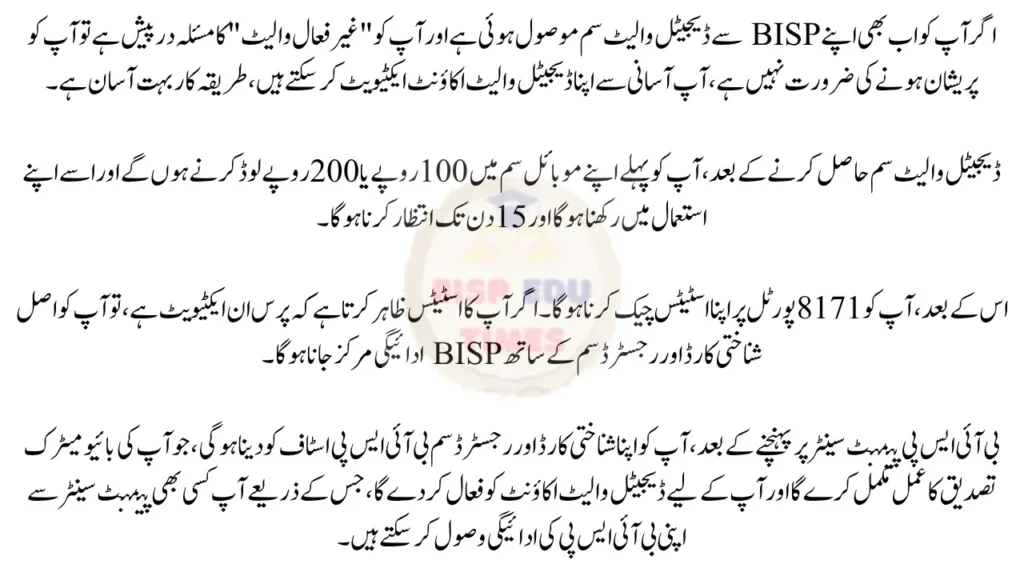
If you still have received the Digital Wallet SIM from your BISP and you are facing the issue of “inactivate wallet”, then you don’t need to worry, you can easily activate your digital wallet account, the procedure is very simple.
- After getting the digital wallet SIM, you have to first load Rs 100 or Rs 200 in your mobile SIM and keep it under your use and wait for 15 days.
- After that, you have to check your status on the 8171 portal. If your status shows that the wallet is In-activate, then you have to go to the BISP payment center along with the original identity card and registered SIM.
- After reaching the BISP payment center, you have to give your identity card and registered SIM to the BISP Staff, which will complete your biometric verification process and activate the Digital Wallet account for you, through which you can receive your BISP payment from any payment center.
FAQs
Can I activate my BISP Digital wallet online?
Ans: No, you cannot activate your BISP Digital Wallet account online from home. For this, you will have to go to the BISP payment center from where you can easily activate your wallet account.
What should I do if biometric verification fails for BISP Payment?
Ans: If your fingerprints are not working or biometric verification fails for BISP Payment, you don’t need to worry. You just have to go to your nearest NADRA office and get your fingerprints updated and after that you can easily get your BISP 14500 payment.